Use Google Sheets as a reporting destination for Microsoft Ads data collected with OWOX Data Marts. Collect Microsoft Ads Data into any data warehouse, then reuse it in Sheets (or Looker Studio) for reporting. Or enable AI Insights and deliver ads performance & allerts into chat tools or by email.
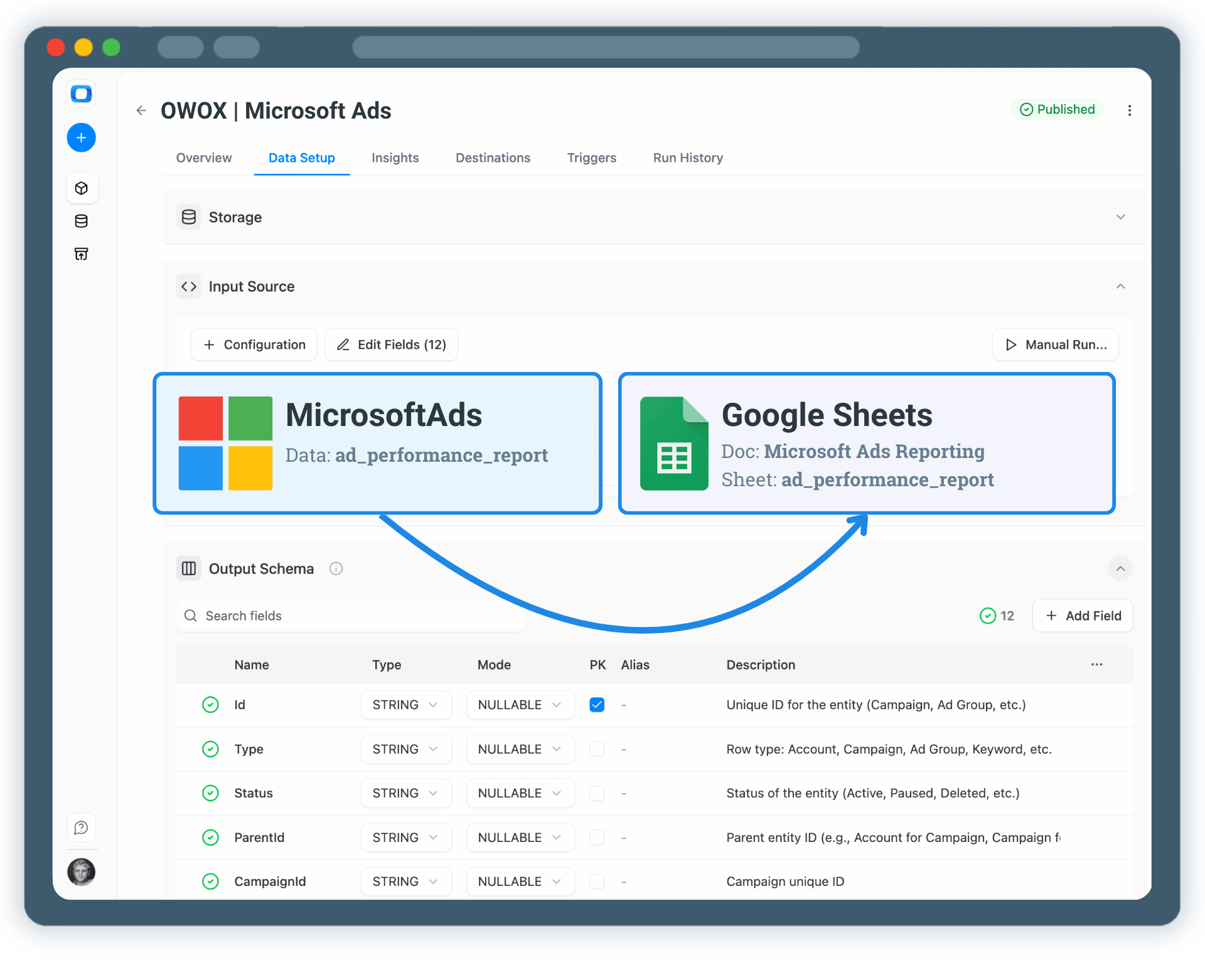
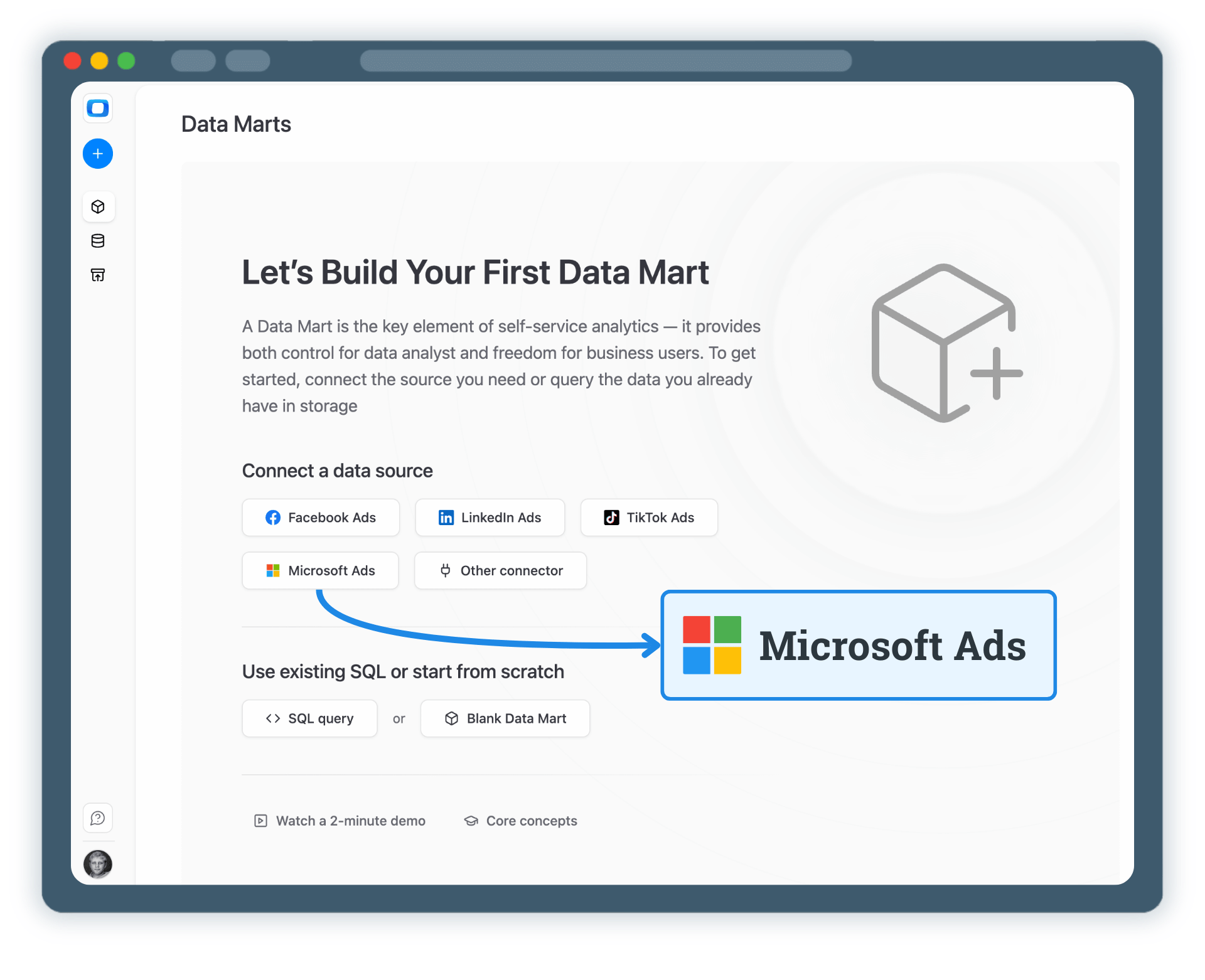
Start by creating a new Microsoft Ads Data Mart and choose Connector as the definition type.
This Data Mart defines the logic once and makes it reusable.
Note: Use coma to separate multiple ad accounts (Account IDs) and collect the data together without the need to blend them afterwards.

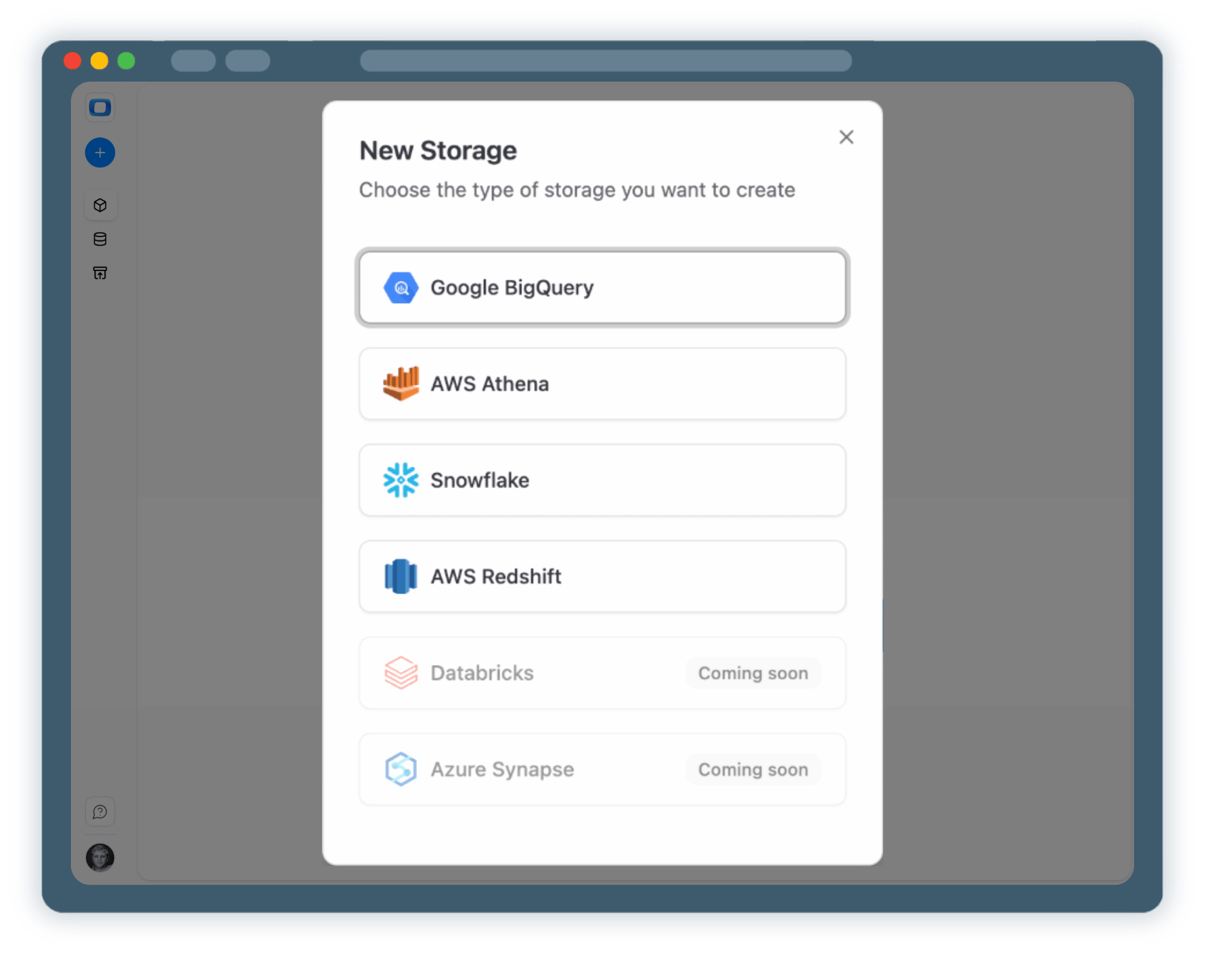
All data should have it's home. You need to connect a data storage where your Microsoft Ads data will be stored & processed.
This storage becomes the foundation for all further reporting and analysis.

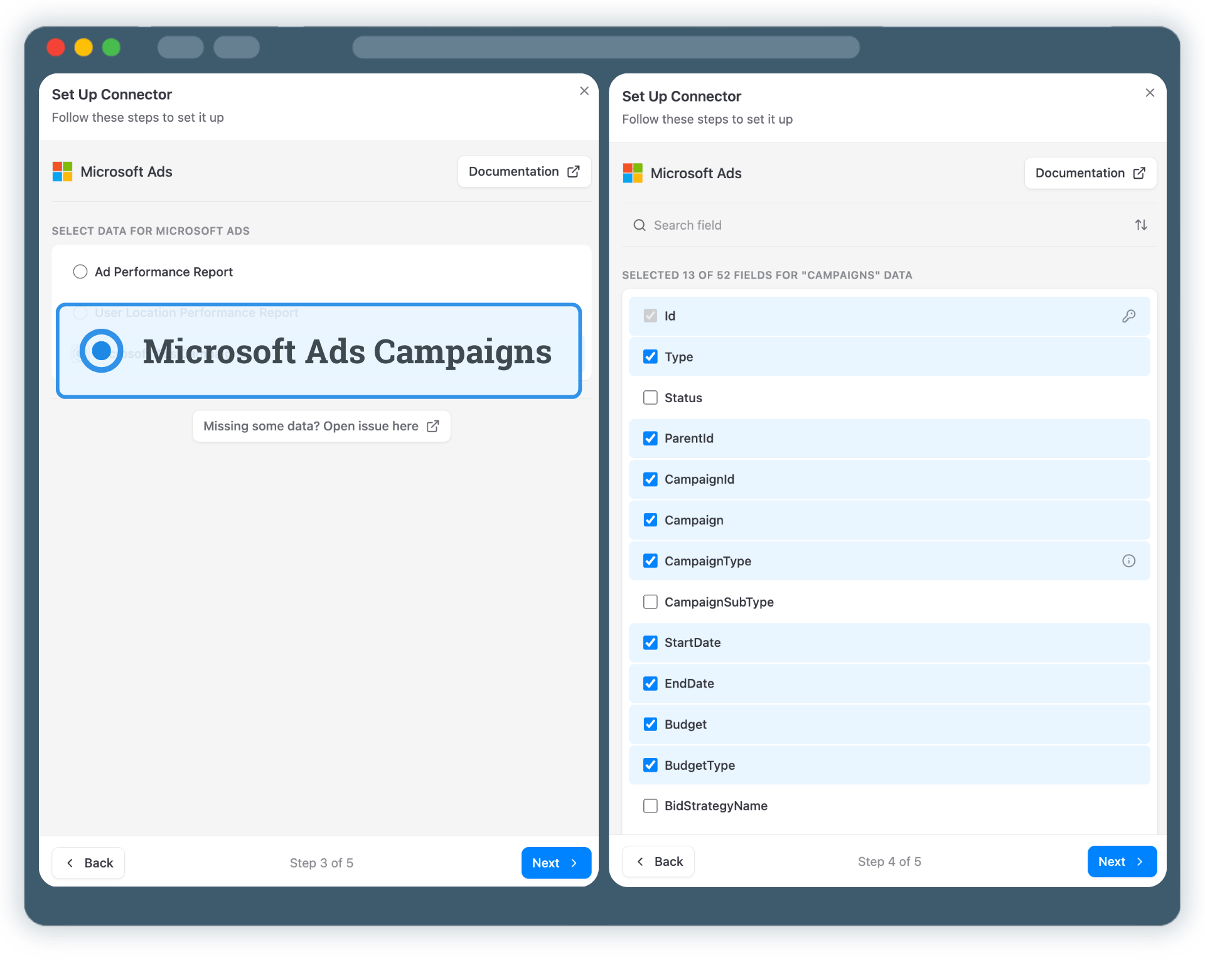
Choose exactly which Microsoft Ads data should be collected.
No worries, you can collect more Microsoft Ads data later on & blend them to get extraordinary reporting granularity.

Now it's time to enable your Microsoft Ads data in Google Sheets
All runs are tracked in Run History.

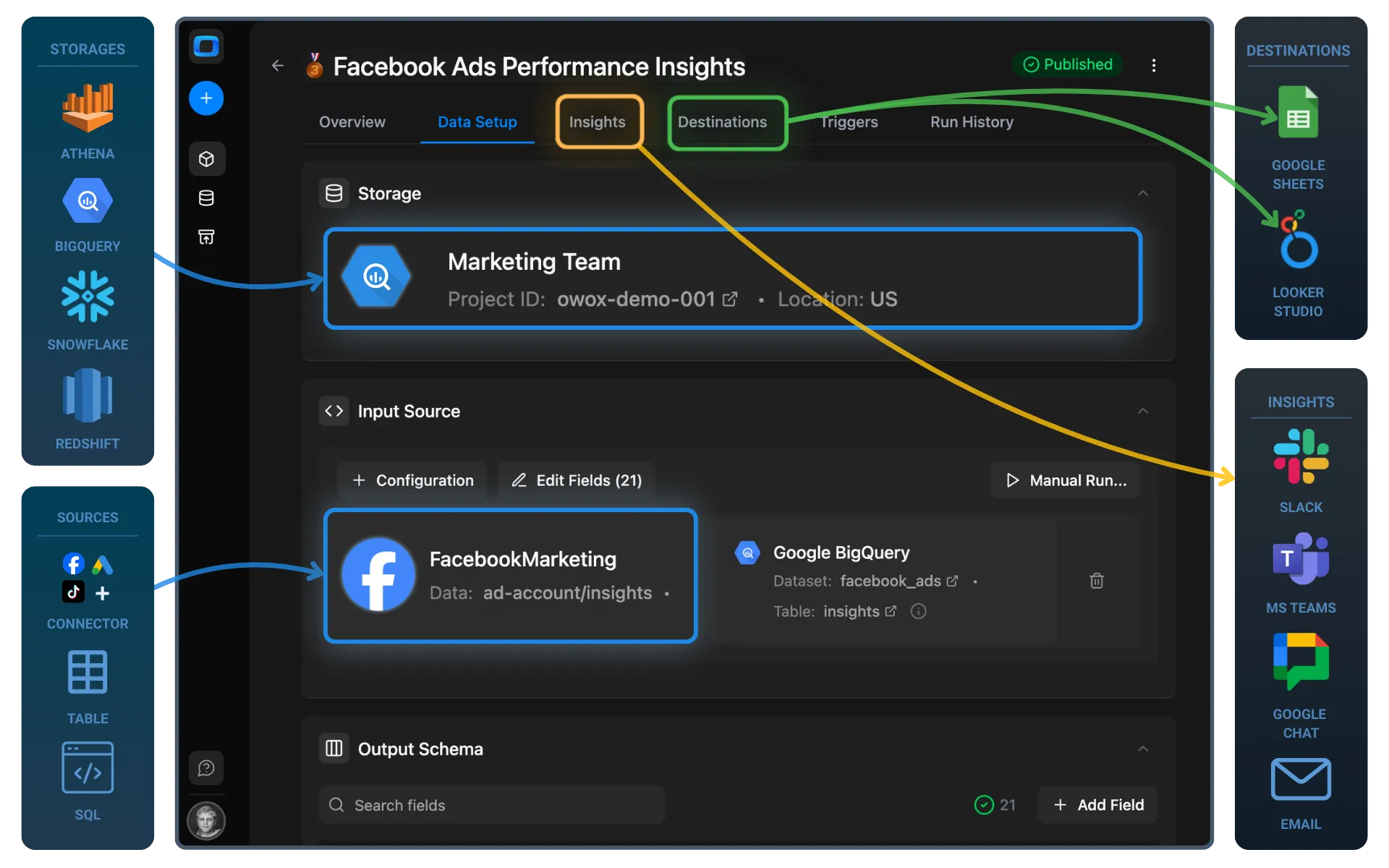
Your Microsoft Ads data is now available for analysis in Google Sheets. But why stop at just this? You can reuse the same Microsoft Ads Data Mart to:
One Data Mart – multiple destinations.
Schedule a quick walkthrough to see how OWOX Data Marts helps you: